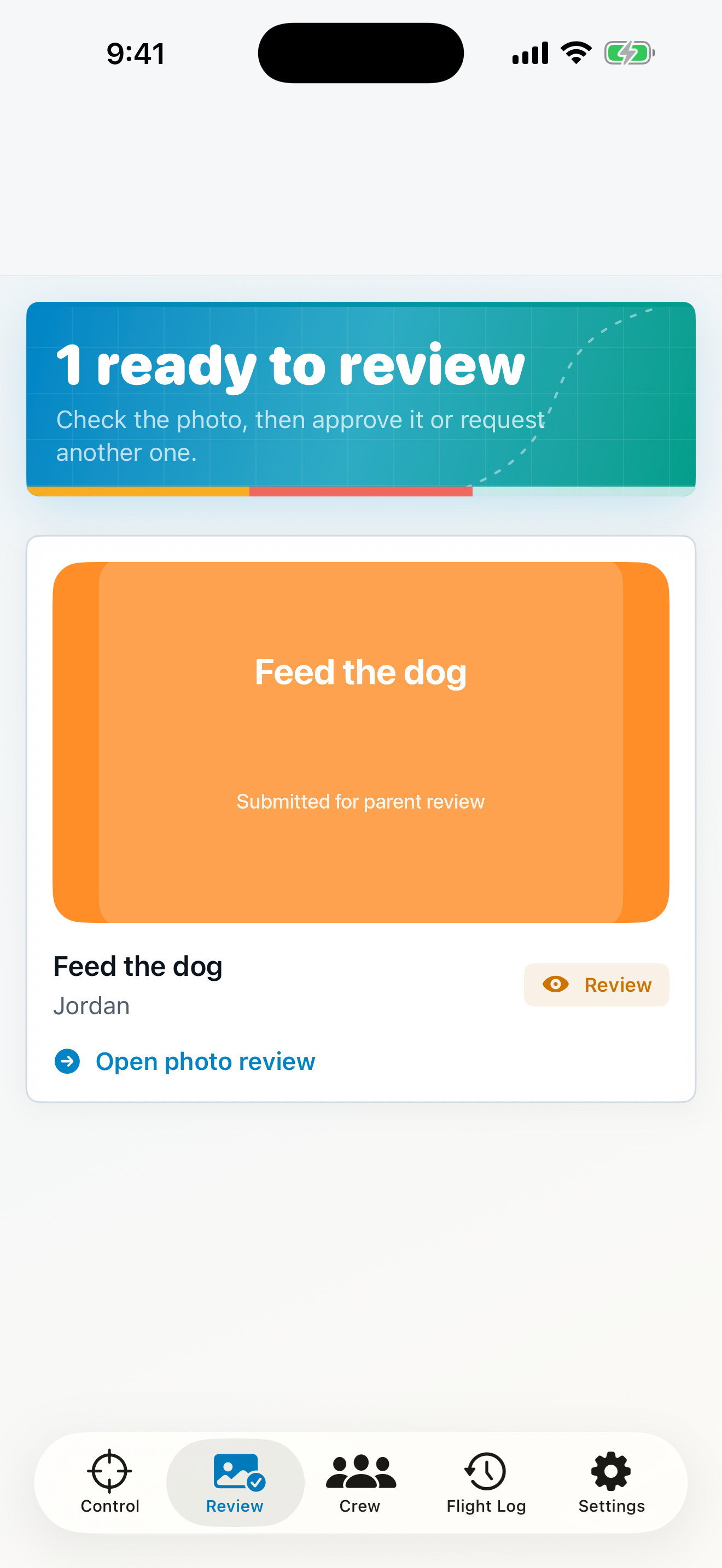
Parent review
Every submission waits for a parent to approve or return it with feedback.
PhotoProof creates a predictable mission flow so parents do not repeat themselves and children always know what to do next.
The parent sets the task, child, deadline, proof instructions, approval mode, and access rule.
My Day keeps the next mission, due time, and proof requirement in one focused place.
The child takes a photo inside PhotoProof once the mission is actually complete.
The parent can approve, reject with clear feedback, or use AI assistance as a recommendation.
The family timeline records the decision and applies the chosen reward or restriction behavior.
The workflow is consistent even when the family changes the level of automation.
Every submission waits for a parent to approve or return it with feedback.
PhotoProof summarizes visible evidence and offers a recommendation while the parent remains in control.
Eligible missions can be completed automatically when the configured verification result is met.
AI review can be wrong. PhotoProof should not be used for emergencies, safety-critical supervision, medical decisions, or any situation where a photograph cannot reliably prove completion.
Parents choose either a due-time lock or minutes that children can earn and redeem after approved work.
The child sees a clear countdown and has time to complete the mission.
PhotoProof applies the family’s selected access rule while keeping essential communication available.
Approved proof updates the mission and grants the configured access or earned minutes.